

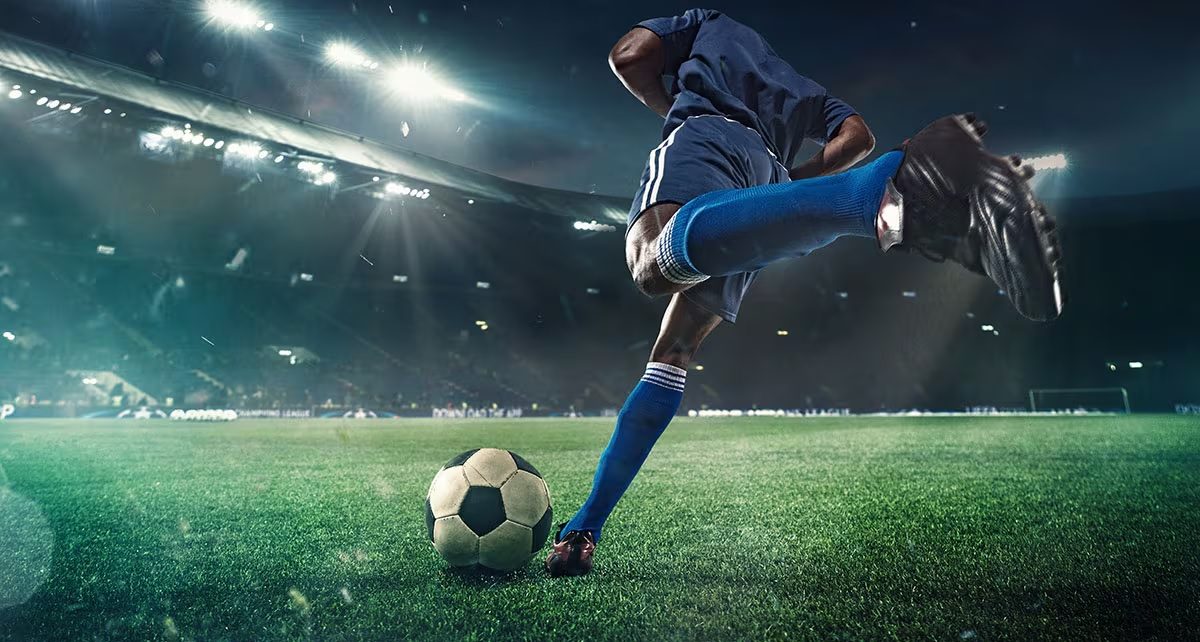
A good sports poster should capture attention quickly. Whether you’re promoting a local tournament, announcing a school match, advertising a fitness event, or celebrating a team’s big win, the design needs to communicate the excitement at a glance.
Hiring a designer isn’t always practical, especially when you need promotional materials for multiple games or events. With the right images, a clear layout, and a few simple design choices, you can create a professional-looking sports poster yourself.
How can you design a sports poster that stands out?
1. Start with one strong image
Sports posters often work best when the main image does most of the talking. A player in action, a team photo, or a close-up of sports equipment can give your design energy without needing lots of extra decoration.
Choose a high-quality image that fits the sport and the event. If you’re promoting a football match, for example, a player striking the ball may work better than a generic stadium photo. Keep the image relevant to the message you’re trying to convey.
2. Use a template to get started
You don’t need to build every design from scratch. A ready-made layout gives you a starting point for arranging images, headlines, and event information.
Browse free sports poster templates offered by PosterMyWall to find a design that fits your sport or event. Replace the sample images and text, adjust the colors to match your team, and remove any elements you don’t need.
Choose a template based on its layout rather than its exact wording or imagery. A design with a clear headline and enough room for event details will be easier to adapt.
3. Make the headline easy to spot
People should understand what your poster is promoting within a few seconds. Use a short headline such as “Championship final,” “Join the tournament,” or “Game day.”
Make the headline larger than the supporting text, and choose a font that’s easy to read from a distance. You can use bold, athletic-style lettering for impact, but avoid decorative fonts that make the words difficult to recognize.
4. Stick to a simple color palette
Sports designs can be energetic, but using too many colors can make a poster feel cluttered. Start with two or three main colors, ideally ones associated with the team, school, club, or event.
Strong contrast also helps important details stand out. White text on a dark background, for example, is usually easier to read than two similar shades placed together. Use brighter colors for small accents, such as a ticket reminder or a limited-time offer.
5. Remove distracting backgrounds
A busy background can compete with the player or product you want people to notice. If your main image has an unsuitable background, removing it can make the design easier to work with.
PosterMyWall’s AI Background Remover can help separate a subject from its background so you can place it over a team color, stadium image, or custom graphic. Check the edges afterward, particularly around hair, hands, equipment, and other fine details.
6. Give the important details enough space
An event poster needs more than an impressive image. People also need to know when and where the event is happening, who is playing, and how to attend.
Organize the information by importance. For a match announcement, that might mean the teams and match date come first, followed by the venue and ticket details. Leave some breathing room between text blocks instead of squeezing everything into the available space.
7. Try AI for design ideas
Sometimes the hardest part is deciding what the poster should look like. AI tools can help you explore different concepts before settling on a final design.
With PosterMyWall’s Create with AI, you can describe the type of poster you need and use the results as a starting point. For example, try a prompt such as “Create a bold basketball tournament poster with a dark background, orange accents, and space for the date and venue. Treat the first result as a draft. Review the layout, check that any generated text is correct, and adjust the design to suit your event.
Conclusion
Creating a sports poster without a designer comes down to a few practical choices: use a strong image, keep the message clear, choose colors that work together, and leave enough room for essential information. Templates and AI tools can speed up the process, but a final review is still important. Make sure the poster looks good at its intended size and gives people a clear reason to take notice.
FAQs
1. What should a sports poster include?
Include the event name, date, time, venue, teams, and ticket details. A strong image and clear headline help grab attention.
2. Can I create a sports poster without design experience?
Yes. Start with a ready-made template and customize the text, colors, and images. PosterMyWall makes the process simple.
3. How do I make a sports poster look professional?
Use a high-quality image, a limited color palette, readable fonts, and a clean layout. Check that everything is legible at the final size.


